
← a microphone for singing, at home or on stage
Is the Shure MV7 Good for Singing?
Yes, the Shure MV7 works for singing. Turn off the auto level in the Shure app, sing close, and the podcast mic you already own handles vocals just fine.
 Gus Harmon · Updated August 22, 2026 · how I decide
If you buy through my links the site earns a little. It's never why I pick things.
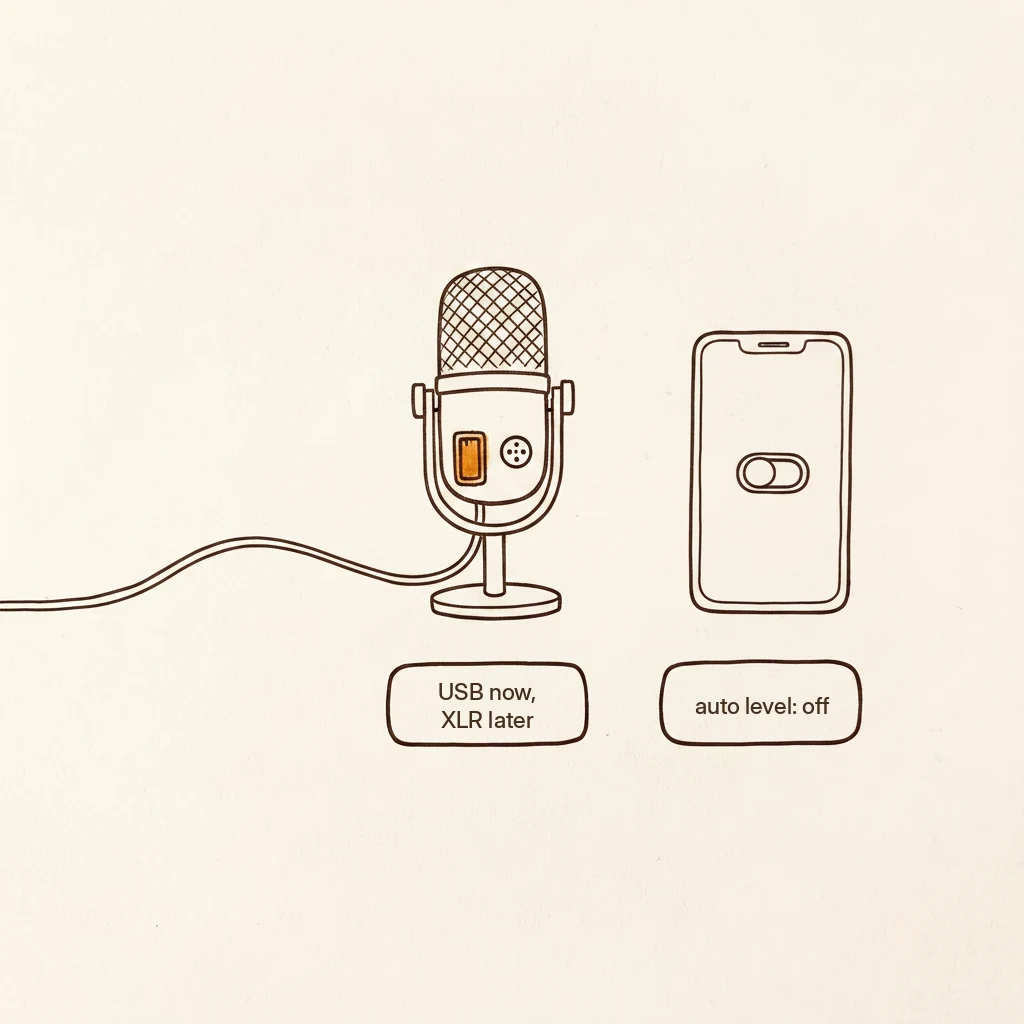
Yes. Shure built the MV7 for “speech applications like podcasting and singing,” their words. The podcast label on the box doesn’t disqualify it for music. Plug it in by USB, turn off the auto level in the Shure app, set your gain so the loudest note stays out of the red, and sing about a hand-span away. Keep the gift.
Somebody on a recording forum posted exactly this question. They got the MV7 as a gift from a relative who does podcasts, not music. They wanted to know if it could handle singing, couldn’t find a straight answer on Shure’s site, and were thinking about returning it unopened to get “something else.”
The forum gave them a joke and a shrug. That was the whole thread.
So let me answer.
It says “podcast” on the box
That’s marketing, not a limitation. The MV7 is a dynamic mic (the tough kind that mostly hears what’s right in front of it, same family as the mics you see on stages) with two outputs: USB and XLR (the round three-pin plug that pro gear uses). Shure calls it a mic for “content creators and musicians,” and says it was tuned for “speech applications like podcasting and singing”. Both words are right there on Shure’s own page.
You’ll hear some people say a dynamic tuned for podcasts is the wrong tone for singing, period. That’s a preference dressed up as a rule. The maker designed it for singing and says so. It’s not the wrong tool.
Its sound leans toward the midrange, which means your words come through clearly but you get less of the deep, rumbly low end you hear on broadcast radio. For singing at home, for vocal lessons over video, for demos and YouTube covers, that’s plenty. It sounds like a clean, honest version of you.
Turn auto level off
The Shure app ships with auto-leveling and compression tuned for a speaking voice. Those settings keep a podcast host sounding even and steady, which is exactly right for talking. But a singing voice isn’t a speaking voice. You hold notes. You get louder on the chorus and quieter on the verse. The auto level tries to flatten all of that, and it sounds like the mic is fighting you.
Open the Shure app, find the auto level setting, and turn it off. Set the gain (the sensitivity knob) by hand so your loudest note stays out of the red. Twelve years of Sunday mornings behind a church board taught me the same idea: loud enough to hear, not so loud it distorts.
A limiter expecting a podcast sentence meets a held note and clamps down hard, because the signal stays loud longer than speech ever does. That’s the “pumping” sound people hear when they sing through the factory settings. Turn it off and the note just holds.
Sing close
The MV7 is a dynamic, and dynamics get their fullness from closeness. Sing about a hand-span away, straight into the front of the mic, and you’ll hear the difference immediately. Park it across the desk on that little stand it came with and it sounds thin and distant. Same mic, different sound, just from distance.
A boom arm (about $20, roughly what two large pizzas cost) swings the mic up to your face so you’re not hunching over. Worth it, not urgent. A stack of books works tonight.
USB today, XLR later
You probably plugged the MV7 in by USB, and that’s the right call. It works straight into your computer, no extra boxes.
But the same mic also has an XLR output, the round three-pin jack you might not have noticed. If you ever want a step up, you plug that into an interface (a small box that converts the mic signal for your computer, Scarlett Solo class, about $160) and skip the mic’s built-in converter entirely. Same mic, better signal path, no second purchase.
Don’t buy the interface now. Use USB until you feel the ceiling. The XLR hole will still be there. That’s the slow way I do every upgrade, and it has saved my neighbors a lot of boxes.
Where the MV7 stops and something bigger starts
For home singing, lessons, demos, covers: the MV7 is enough, and “enough” is not a consolation prize. If you ever want the full, deep low end for a release-quality vocal, the bigger Shure (the SM7B) or an XLR condenser (the sensitive kind that hears the whole room, so you’d need a quiet space) is the next step.
But don’t return the MV7 to chase that. One common mistake: someone returns a solid dynamic and grabs a condenser at the same price, then wonders why it picks up the dishwasher and the neighbor’s dog. A dynamic and a condenser are different animals, and for an untreated room, the dynamic you already own is the smarter mic.
Shure makes an updated MV7+ (about $279) with a USB-C jack and some app improvements. If you have the original MV7, everything on this page still applies. You own a good mic.
Plug it in by USB, turn the auto level off, sing a hand-span away. Keep the gift. When you outgrow it, the XLR hole is already there.
If you’re figuring this out, you’re probably also wondering:
If you buy through one of my links, the site earns a little coffee money. Doesn’t change the price, doesn’t change my answer.
Gus Harmon
Gus spent three decades running sound wherever somebody needed it: bar bands, weddings, school shows, and twelve years of Sunday mornings. He can't sing a note. He can make sure you're heard. Now he writes so normal people can buy the right thing the first time.